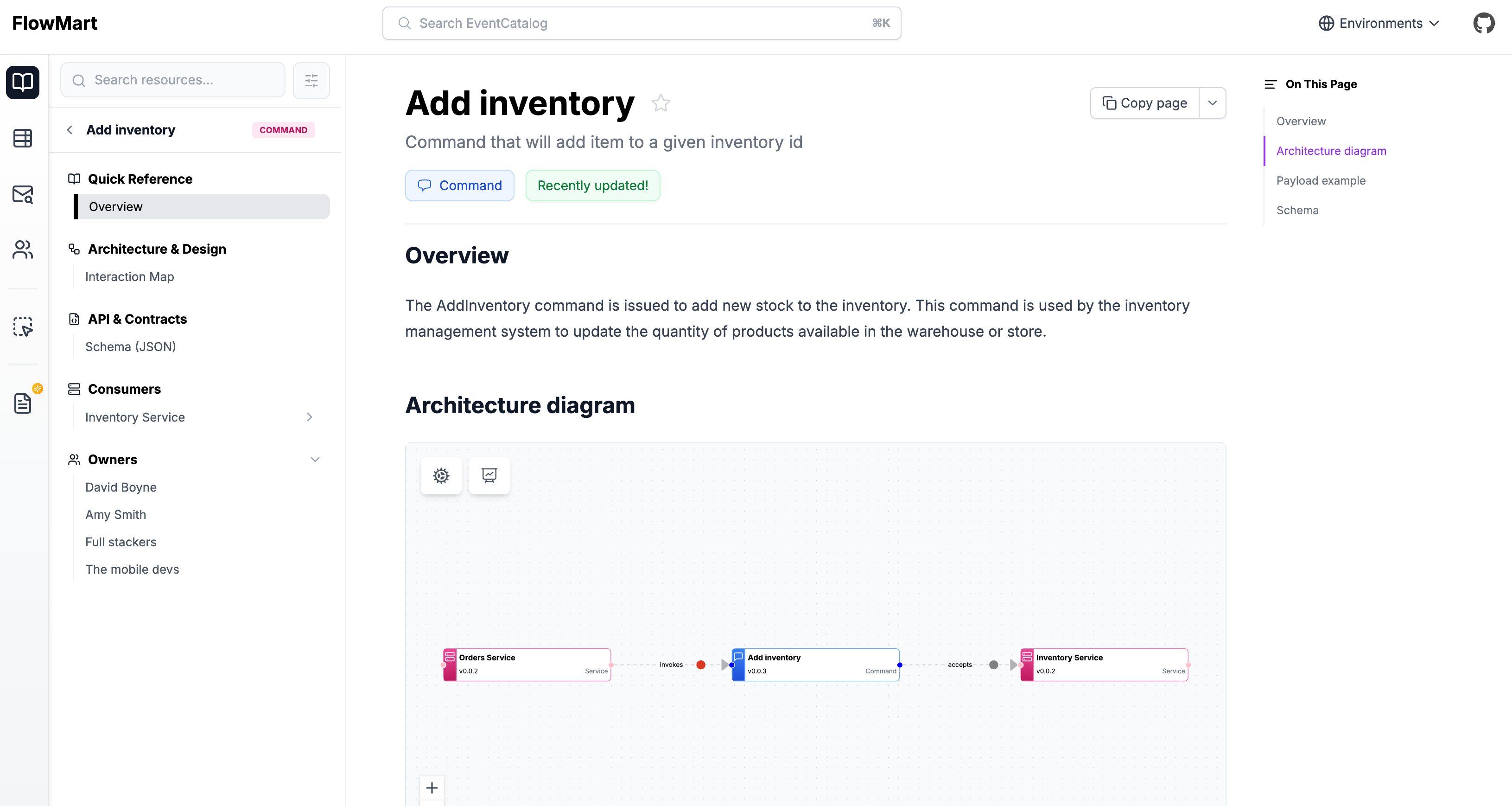
Creating commands
Commands live in a /commands folder. This folder can be placed:
- At the root of your catalog, or
/commands/{Command Name}/index.mdx
- Inside a specific service folder.
/services/{Service Name}/commands/{Command Name}/index.mdx
The contents are split into two sections, frontmatter and the markdown content.
Here is an example of what a command markdown file may look like.
---
# id of your command, used for slugs and references in EventCatalog.
id: UpdateInventory

# Display name of the command, rendered in EventCatalog
name: Update Inventory

# Version of the command
version: 0.0.3

# Short summary of your command
summary: |
  Command with the intent to update the inventory

# Optional owners, references teams or users
owners:
    - dboyne

# Optional badges, rendered to UI by EventCatalog
badges:
    - content: New service
      backgroundColor: blue
      textColor: blue
---

## Overview

The `Update Inventory` command represents intent to update the inventory of a given item over HTTP.

<NodeGraph />
Once this file is added, the command will automatically appear across EventCatalog.
Writing command content
You can write any Markdown inside a command.
Each command gets its own page, so use this space to fully explain how it works.
You can also use interactive components to enrich your documentation.
Assign services to your commands
To add services that invoke or accept your command you can read the guide on adding messages to services.
You can also assign your command to one or more channels (e.g HTTP, GraphQL, etc).
Adding schemas to your command
You can add any schema format to your command, you can read the guide on adding schemas to messages.
What should I document?
There’s no strict structure, but consider including:
- Purpose – What does this command do and why does it exist?
- How to trigger it – APIs, SDKs, or UI actions
- Schema – Payload structure and validation rules
- Ownership – Who maintains this command?
- Contributing – How others can propose changes
How do commands appear in EventCatalog?