Creating data stores
Added in
eventcatalog@2.59.0Data stores live in a /containers folder. This folder can be placed anywhere in your catalog.
The contents are split into two sections, frontmatter and the markdown content.
Here is an example of what a data store markdown file may look like.
/containers/OrdersDatabase/index.mdx (example)
---
# id of your data store, used for slugs and references in EventCatalog.
id: orders-db
# Display name of the data store, rendered in EventCatalog.
name: Orders DB
# Version of the data store
version: 0.0.1
# Type of the data store (e.g. database, cache, objectStore, searchIndex)
container_type: database
# Technology of the data store (e.g. postgres@14, redis@7, etc)
technology: postgres@14
# Classification of the data store (e.g. internal, external, etc)
classification: internal
# Retention of the data store (e.g. 7y, 10y, etc)
retention: 7y
# Residency of the data store (e.g. eu-west-1, us-east-1, etc)
residency: eu-west-1
---

## Overview

This orders database stores all orders and order lines for the orders domain.

<NodeGraph />
Once this file is added, the event will automatically appear across EventCatalog.
Writing data store content
You can write any Markdown inside a data store.
Each data store gets its own page, so use this space to fully explain how it works.
You can also use interactive components to enrich your documentation.
Assign read/write relationships to data stores
You can assign read/write relationships to data stores in EventCatalog. You can read more about how to do this here.
What do data stores look like in EventCatalog?
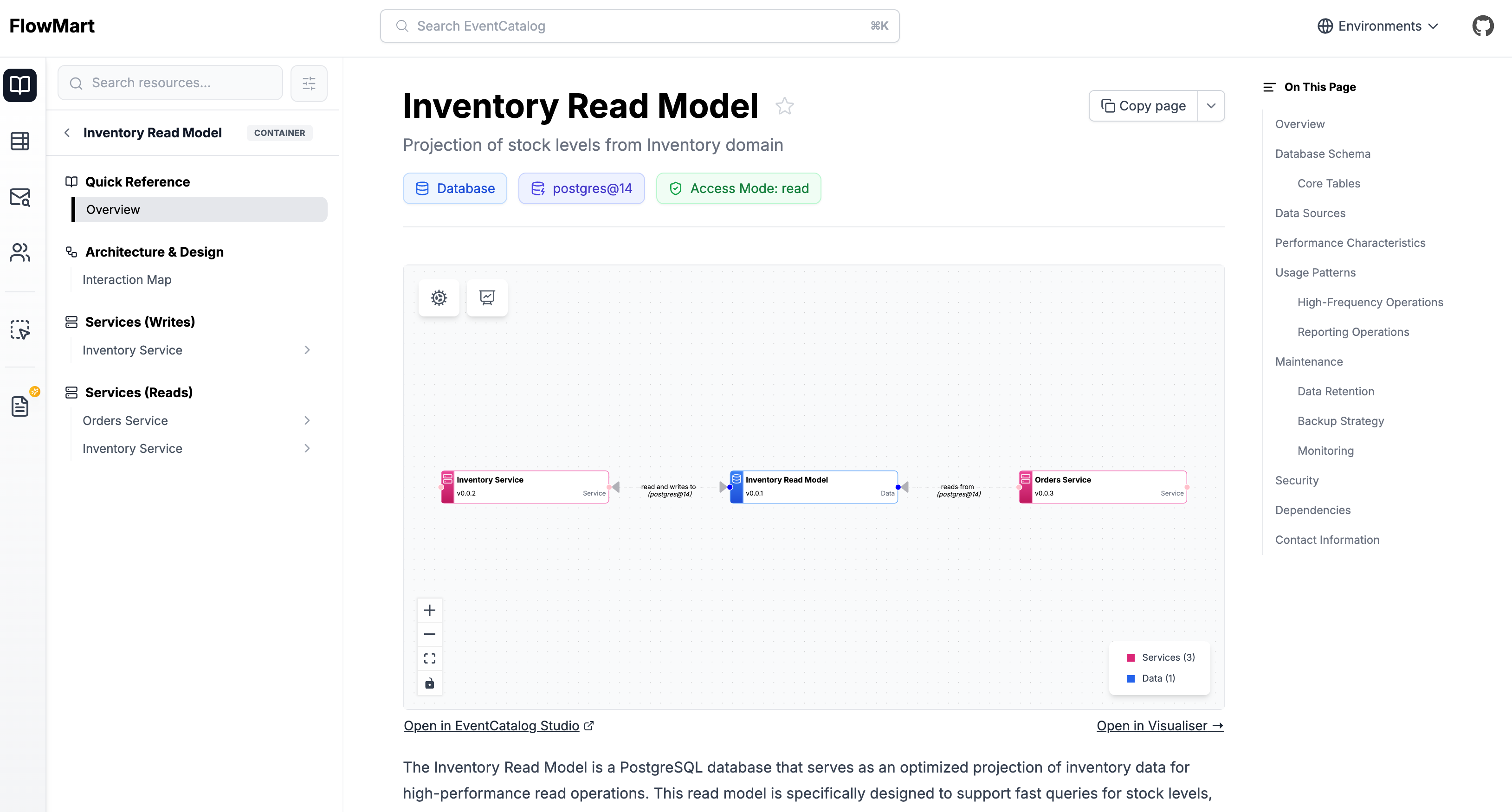
You can see an example of a data store in the EventCatalog demo.